
🚀 INTRODUCTION
Artificial Intelligence is no longer a futuristic concept—it’s a practical tool that is reshaping how software is built. Today, AI for developers is used to write code faster, debug efficiently, automate workflows, and improve productivity across the entire development lifecycle.
In this complete guide, you’ll learn how to use AI in development, discover the best tools, explore real-world use cases, and understand how AI is transforming DevOps and modern software engineering.

🧠 What is AI in Software Development?
AI in software development refers to the use of machine learning models, natural language processing, and automation tools to assist developers in writing, testing, and optimizing code.
Instead of manually handling repetitive tasks, developers can now rely on AI-powered systems to:
- Generate code snippets
- Detect bugs automatically
- Suggest improvements
- Automate testing
Tools like ChatGPT and GitHub Copilot are leading this transformation.
⚡ Benefits of AI for Developers
Using AI for developers brings major advantages:
✅ 1. Faster Development
AI tools generate code in seconds, reducing development time.
✅ 2. Improved Code Quality
AI can detect bugs and suggest optimizations early.
✅ 3. Automation of Repetitive Tasks
Testing, documentation, and debugging can be automated.
✅ 4. Better Learning Curve
Beginners can learn faster with AI assistance.
🛠️ Best AI Tools for Developers (2026)
Want to discover the top platforms and assistants used by programmers today? Check out our detailed guide on Best AI Tools for Developers in 2026.
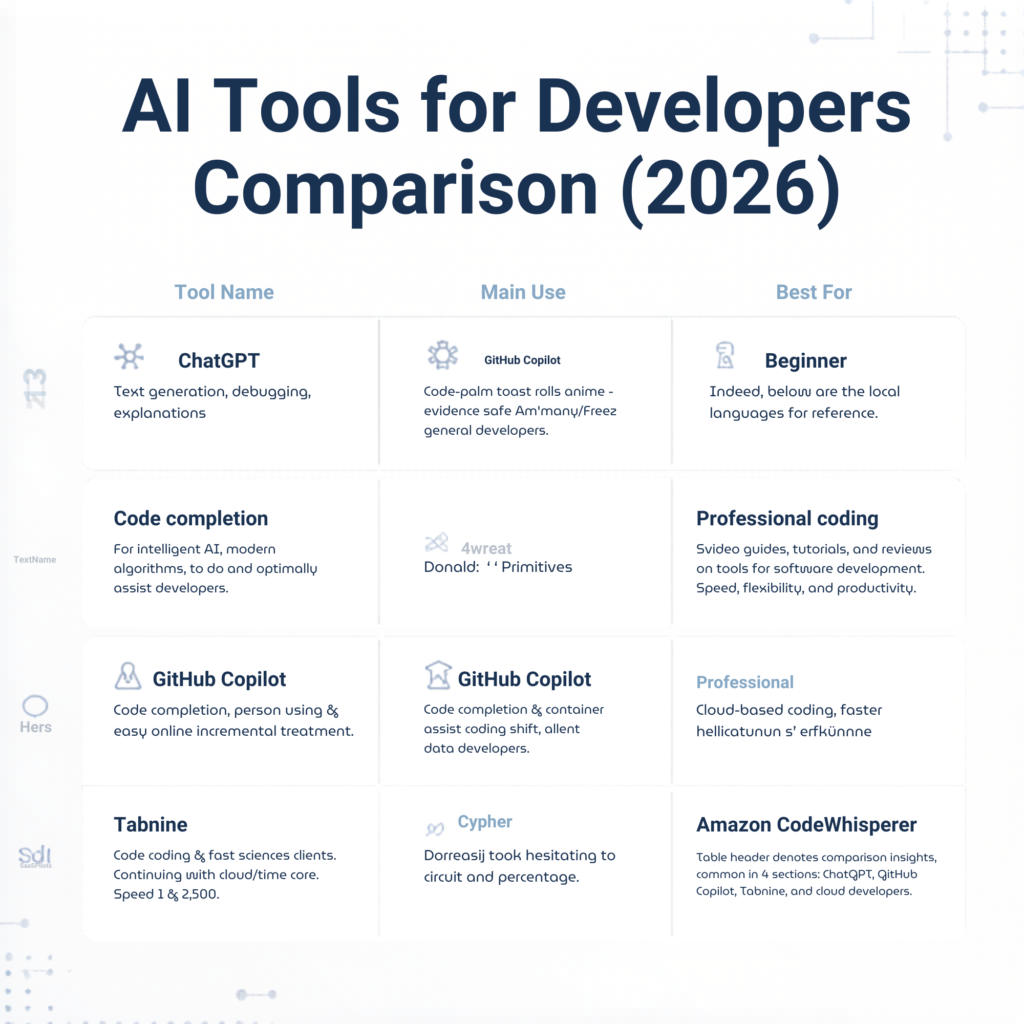
Here are the most powerful tools you should know:
🔹 ChatGPT
- Code generation
- Debugging help
- Documentation
🔹 GitHub Copilot
- Real-time code suggestions
- Integrated with IDEs
🔹 Tabnine
- Fast autocomplete
- Supports multiple languages
🔹 Amazon CodeWhisperer
- Cloud-focused development
- AWS integration
💻 How to Use AI in Coding
Developers can integrate AI into daily workflows:
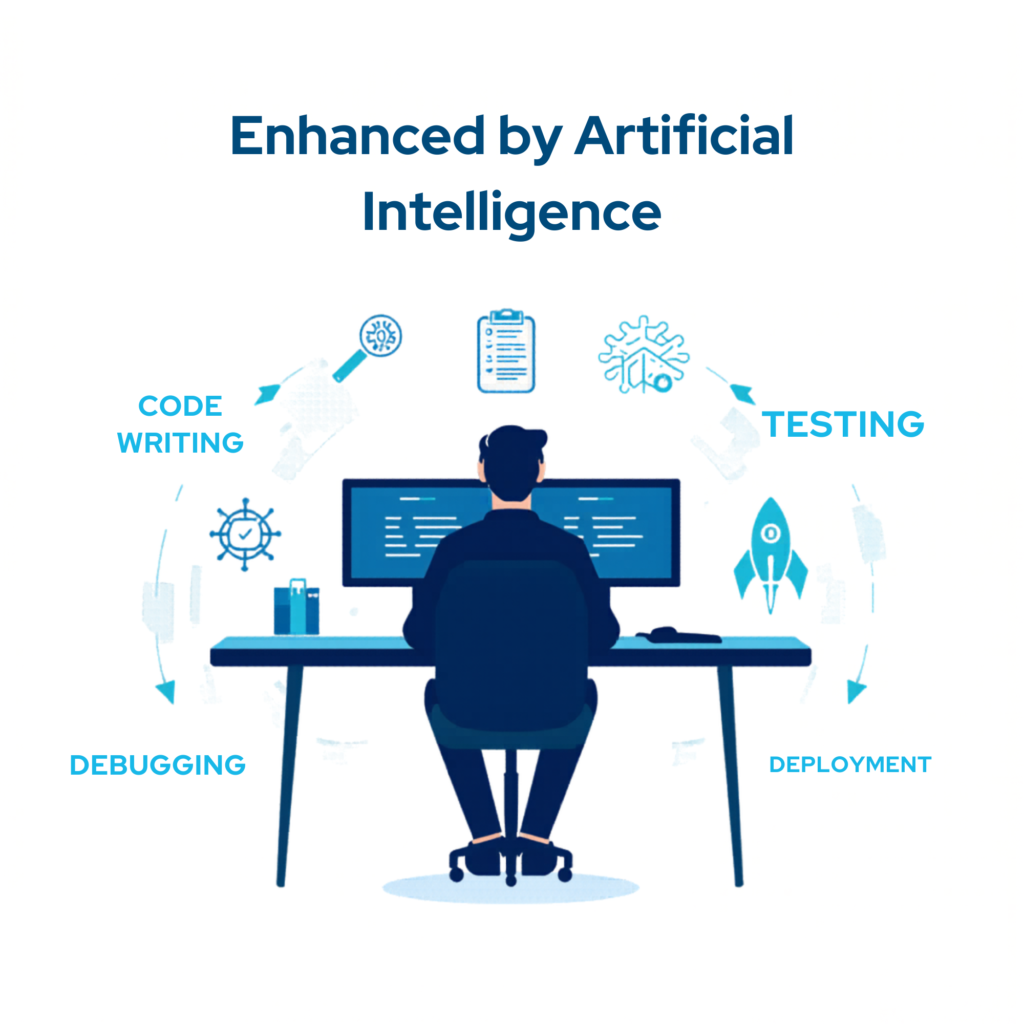
🧩 Code Generation
Use AI to generate boilerplate code or functions.
🐞 Debugging
AI helps identify errors and suggest fixes.
🧪 Testing
Automate unit tests and detect edge cases.
📄 Documentation
Generate clear and structured documentation instantly.
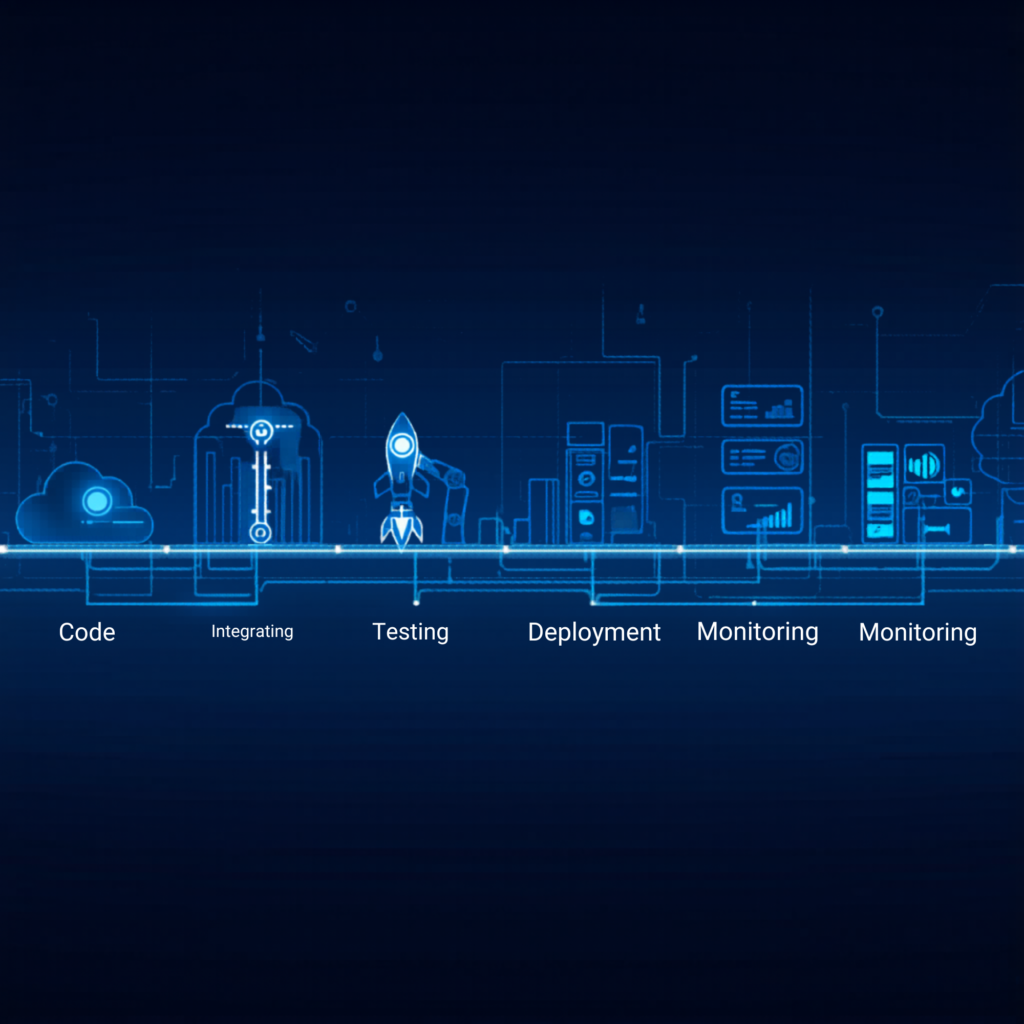
🔄 AI in DevOps & Automation
AI is also transforming DevOps practices:
- Smart CI/CD pipelines
- Automated deployments
- Predictive monitoring
- Incident detection
This reduces downtime and improves system reliability.
⚠️ Challenges of AI in Development
Despite its advantages, AI has limitations:
- ❌ Security concerns
- ❌ Inaccurate suggestions
- ❌ Over-reliance on automation
Developers must always review AI-generated code.
🚀 Future of AI for Developers
The future of AI for developers looks promising:
- AI-powered IDEs
- Fully automated coding systems
- Smarter DevOps pipelines
- Personalized development assistants
AI will not replace developers—but developers using AI will replace those who don’t.

What is AI for developers?
AI for developers refers to tools that assist in coding, debugging, and automating development tasks.
Is AI replacing developers?
No, AI enhances productivity but still requires human expertise.
What are the best AI tools for developers?
Popular tools include ChatGPT, GitHub Copilot, and Tabnine.
Conclusion
AI is transforming the way developers build software. From coding and debugging to testing and deployment, AI for developers is becoming an essential part of modern development workflows.
By leveraging AI tools effectively, developers can save time, improve quality, and stay competitive in the evolving tech landscape.


Pingback: Best AI Tools for Developers in 2026: Top AI Coding & Productivity Tools
Pingback: How to Use ChatGPT for Programming in 2026: Complete Developer Guide
Pingback: Claude AI for Programming: Master Coding with Claude, Claude Code & API in 2026